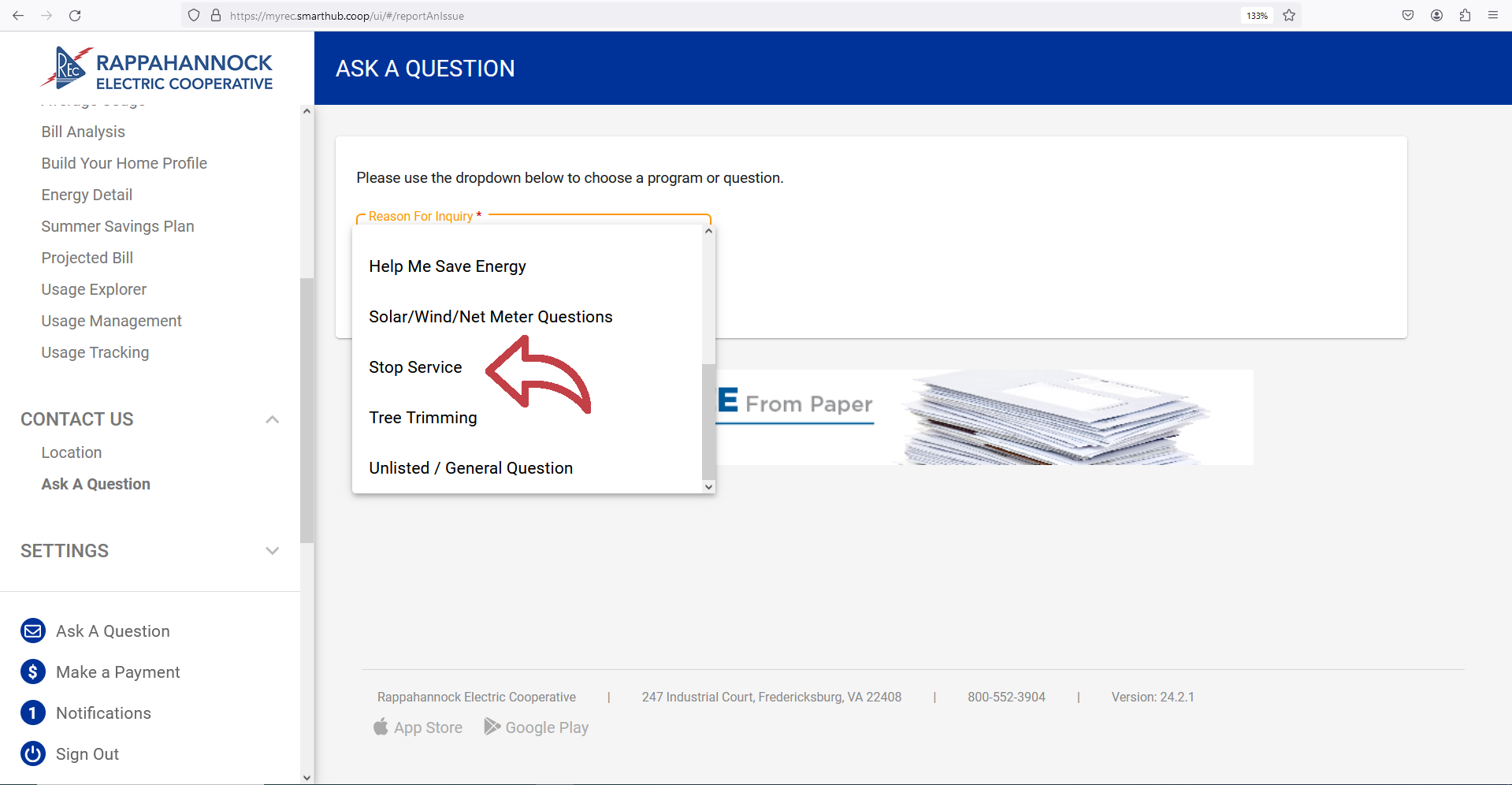
Members looking to stop service should login to MyRECSmartHub. Under the Ask a Question drop down, select the Stop Service option. If you do not have a MyRECSmartHub account, please call 800-552-3904 to stop service.
OFFICE HOURS
8 a.m.- 5 p.m., Monday-Friday
(except holidays)
TELEPHONE HOURS
7 a.m. - 7 p.m., Monday-Friday
Outage Reporting available
24 hours a day.
Members looking to stop service should login to MyRECSmartHub. Under the Ask a Question drop down, select the Stop Service option. If you do not have a MyRECSmartHub account, please call 800-552-3904 to stop service.
REC Seeks Partners for Expanded Broadband Services
REC Urges Preparation Ahead of Winter Storm
REC Warns of Sophisticated Phone Scammers